
Shopify Design
Design a Shopify storefront that makes buying decisions easier.
Ecommerce UX, visual design and merchant-friendly templates for collections, products and campaign pages that have to convert on a phone as well as a desktop.
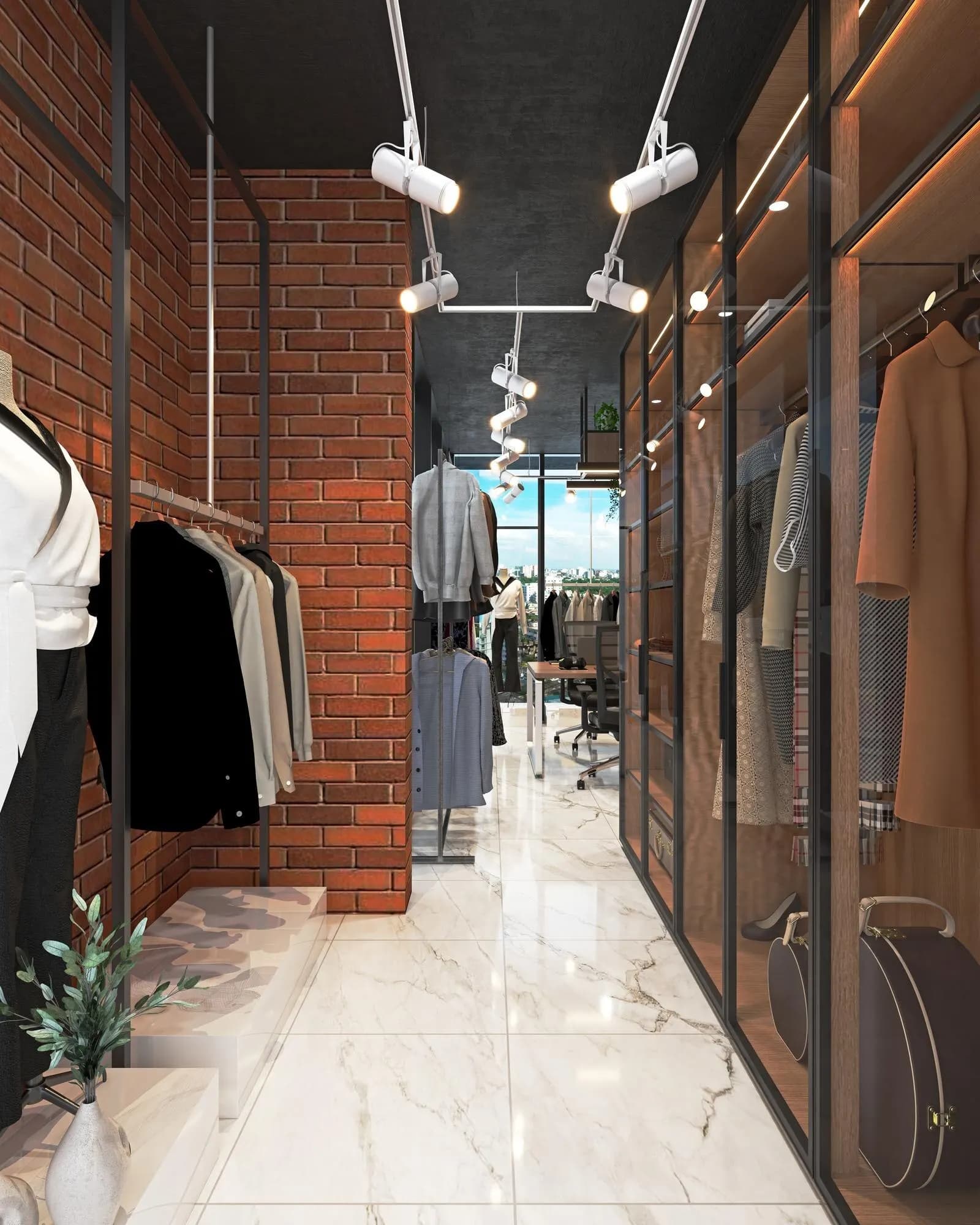
Why storefront design
A beautiful theme that cannot be shopped is still a failed store.
Shopify website design is the work of making browse, compare and buy readable. Collection hierarchy, product proof, mobile density and campaign landing all have to hold the same brand without locking merchandising out of the editor. We design for the shopping path first, then for the section system that will keep that path consistent.
Typical constraints
Most storefront design problems are discovery problems.
- The store looks generic even though the brand is already distinctive offline.
- Collection pages cannot get shoppers to the right product without site search.
- Product pages hide size, shipping or comparison until after a chat.
- Mobile product discovery is a squeezed desktop layout.
- Campaign landings do not continue the story the ad started.
- Merchants cannot change ordinary promotional modules without breaking the grid.
Store
Category
Product
Cart
Edit
When this is the right entry
Design is the entry when the store cannot be shopped cleanly.
- A brand with a strong identity whose Shopify theme still looks like a template.
- A catalogue whose collections do not match how customers actually shop.
- A store whose product pages cannot carry proof, variants or shipping honesty.
- A team whose ads land on a generic collection.
- A merchandising team that cannot produce a campaign module without a developer.
Store
Category
Product
Cart
Edit
What you receive
A storefront system, not a single homepage composition.
The design is specified as templates and states, including empty collections, long product copy and campaign variants.
Discovery and navigation model
How shoppers move from home and ads into collections, then into a product they can judge.
Collection and product templates
Hierarchy, filters, proof and calls to action designed for real catalogue density.
Responsive storefront system
Type, spacing and module behaviour that hold on a mid-range phone, not only on a design canvas.
Merchant content map
Which fields merchandising can change, and which layout decisions stay locked.
Design QA against live templates
Approved frames checked against the implemented sections, including long and empty states.
Store
Category
Product
Cart
Edit
How storefront design is sequenced
Journey first. Then modules merchandising can fill.
Visual identity is applied after the shopping path is clear. A brand refresh that ignores collections will still fail the grid.
01
Shopping path
Discover, browse, evaluate and cart are walked with the current catalogue, not a demo assortment.
02
Information architecture
Navigation, collection names and filters are written in shopper language.
03
Template design
Home, collection, product and campaign frames are designed as a system.
04
Section mapping
Each composition is mapped to Shopify sections and settings before build starts.
05
Implementation QA
Live templates are checked for hierarchy, tap targets and editor safety.
Store
Category
Product
Cart
Edit
What we judge
Design is successful if shoppers can decide and merchants can keep the system.
Clearer product discovery
Collections and product templates reduce the need for workarounds.
A storefront that matches the brand
Type, photography and modules stay recognisable without becoming a one-off art direction.
A usable mobile path
Browse and product judgement work on a phone, not only on a large monitor.
Editable campaign surfaces
Promotional modules can change without a rebuild of the theme.
Related work
Shopify design work is shown when clients clear it.
Approved storefronts appear in the Work index. Until then this page describes the method, not invented projects.
Published case studies will appear here when they are cleared.
Related services
Work that usually sits beside this.
Questions
Buying questions, answered directly.
Usually Figma, then a section map, then theme implementation. Designing only inside the theme editor is how stores accumulate one-off modules.
Next move
If collections cannot carry the brand, start with the storefront.
Share the current theme, the catalogue shape and the journey shoppers fail. We will map the smallest useful design programme.